# Networks Week 11 --- ## Review  <!-- .element: style="height:450px" --> -- What does this print? ```py scores = [85, 92, 78] print( len(scores) ) ``` ``` 3 ``` <!-- .element: class="fragment green" --> -- What does this print? ```py scores = [85, 92, 78] scores[1] = 100 print(scores) ``` ``` [85, 100, 78] ``` <!-- .element: class="fragment green" --> -- What is an algorithm? A list of instructions for a specific task <!-- .element: class="fragment green" --> -- What is one time through a loop called? An iteration <!-- .element: class="fragment green" --> -- How does a `while` loop know when to stop? A boolean condition <!-- .element: class="fragment green" --> -- What is wrong with this code? ```py [] print_count = 0 while print_count < 4: print("Hello!") ``` The condition never changes <!-- .element: class="fragment green" --> -- How many times does this loop run? ```py for _ in []: print("Hello, World!") ``` 0 <!-- .element: class="fragment green" --> -- What does this print? ```py for n in range(3): print(n) ``` ``` 0 1 2 ``` <!-- .element: class="fragment green" --> -- When should you use a `for` loop? When doing something for each item in a list <!-- .element: class="fragment green" --> --- ## Networks <svg xmlns="http://www.w3.org/2000/svg" viewBox="0 0 24 24" style="width:100px;fill:currentColor"><path d="M9,4H15V12H19.84L12,19.84L4.16,12H9V4Z" /></svg> -- What is a network? > A system of lines or channels that cross or interconnect NOTES: from American Heritage Dictionary -- **Road** network 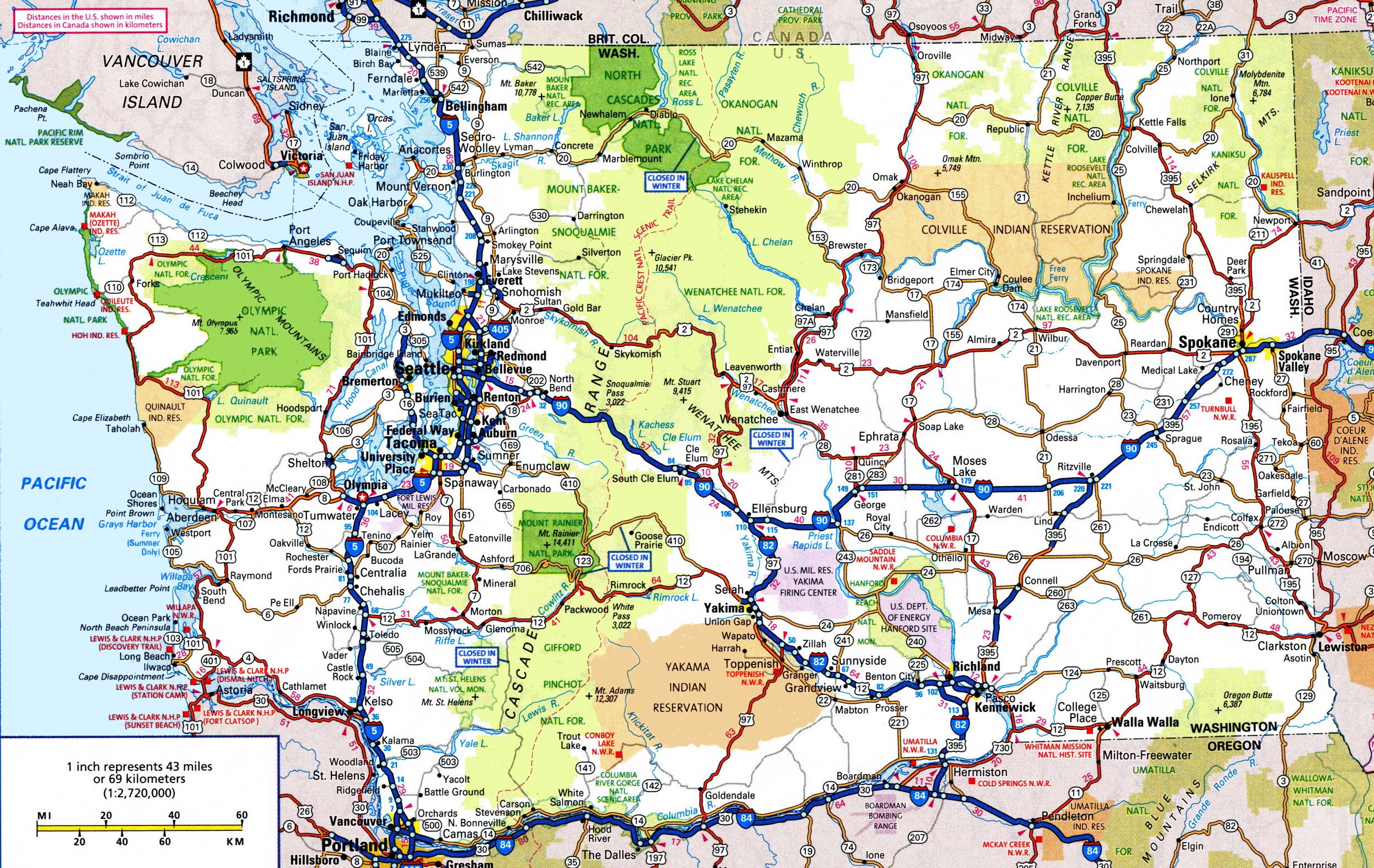 <!-- .element: style="height:500px" --> -- **Neural** network  <!-- .element: style="height:500px" --> -- **Social** network  <!-- .element: style="height:500px" --> -- **Cellular** network  <!-- .element: style="height:500px" --> -- **Computer** network  <!-- .element: style="height:500px" --> -- In a network, each computer has a unique address ```txt 127.0.0.1 ``` <!-- .element: class="fragment" --> -- A network interface (hardware) allows computer to send/receive data  <!-- .element: style="height:500px" --> -- A **modem** converts digital to analog signal  <!-- .element: style="height:500px" --> NOTES: "modulator-demodulator" converts binary to radio/telephone signal -- A **router** directs traffic  <!-- .element: style="height:500px" --> -- Often both devices are combined -- Each computer agrees to use the same **protocol** to communicate  <!-- .element: style="height:500px" --> NOTES: like a language, it's an agreed-upon way to talk. Think of implied response to "knock knock" jokes. -- **LAN** stands for "local area network"  <!-- .element: style="height:500px" --> -- Campus area network is common  <!-- .element: style="height:500px" --> -- The **internet** is the most famous  <!-- .element: style="height:500px" --> NOTES: network visualization from 2005. Will learn more about it next week. -- **Wi-Fi** is a way to connect to LAN _wirelessly_ _Wi-Fi is not the same as the internet!_ <!-- .element: class="fragment red" --> --- ## Dictionaries <svg xmlns="http://www.w3.org/2000/svg" viewBox="0 0 24 24" style="width:100px;fill:currentColor"><path d="M9,4H15V12H19.84L12,19.84L4.16,12H9V4Z" /></svg> -- A _dictionary_ is a data structure in Python It is important for web programming <!-- .element: class="fragment" --> NOTES: a list is a data structure that we already learned about. Dictionary is similar to JSON. -- Key-value data structure ```py data = { "name": "Rylan", "age": 27 } ``` -- Each key must be unique ```py print({ "name": "Rylan", "name": "foo" }) ``` ```txt {'name': 'foo'} ``` <!-- .element: class="fragment" --> -- Can be accessed with square brackets ```py data = { "name": "Rylan", "age": 27 } print( data["name"] ) ``` ```txt Rylan ``` <!-- .element: class="fragment" --> -- Can be updated like a list ```py data = { "name": "Rylan", "age": 27 } data["name"] = "foo" print( data["name"] ) ``` ```txt foo ``` <!-- .element: class="fragment" --> -- What happens when _accessing_ a key that doesn't exist? ```py data = { "name": "Rylan", "age": 27 } print( data["foo"] ) ``` ```txt KeyError: 'foo' ``` <!-- .element: class="fragment" --> -- What happens when _updating_ a key that doesn't exist? ```py data = { "name": "Rylan", "age": 27 } data["foo"] = "bar" print( data ) ``` ```txt {'name': 'Rylan', 'age': 27, 'foo': 'bar'} ``` <!-- .element: class="fragment" --> -- Removing a dictionary item ```py data = { "name": "Rylan", "age": 27 } del data["age"] print( data ) ``` ```txt {'name': 'Rylan'} ``` <!-- .element: class="fragment" --> -- Using with a `for` loop ```py data = { "name": "Rylan", "age": 27 } for key in data: print(key, ": ", data[key]) ``` ```txt name : Rylan age : 27 ``` <!-- .element: class="fragment" --> --- ## Exercise <svg xmlns="http://www.w3.org/2000/svg" viewBox="0 0 24 24" style="width:100px;fill:currentColor"><path d="M9,4H15V12H19.84L12,19.84L4.16,12H9V4Z" /></svg> -- - Create store inventory using dictionary - The key is the item's name - The value is a price - Allow user to search for items ```txt Enter item name: bananana There are no items like "bananana" ``` ```txt Enter item name: ban - Banana: $0.49 - Bandana: $9.99 ``` -- ```py items = { "Banana": 0.49, "Bandana": 9.99 } search = input("Enter an item: ").lower() items_found = 0 for key in items: if search in key.lower(): items_found += 1 print(f'{key:7}: ${items[key]:.2f}') if items_found == 0: print(f'There are no items like "{search}"') ``` ---  <!-- .element: style="height:600px" -->