# Hardware & Operating Systems <!-- .element: class="r-fit-text" --> Week 8 --- ## Review  <!-- .element: style="height:400px" --> -- What are "semantics?" The meaning we convey with language <!-- .element: class="fragment green" --> What is "syntax?" Words, character, grammar <!-- .element: class="fragment green" --> -- What is a function? A reusable section of code <!-- .element: class="fragment green" --> -- After _defining_ a function, how do you _use_ it? _Call_ the function <!-- .element: class="fragment green" --> ```py do_something() ``` <!-- .element: class="fragment" --> -- What is a parameter? A named input that a function receives <!-- .element: class="fragment green" --> -- What does the `return` statement do? Ends the function and sends a value back to the caller <!-- .element: class="fragment green" --> -- What is wrong with this code? ```py def say_hello(name) print(f"Hello, {name}!") ``` Missing `:` <!-- .element: class="fragment green" --> -- What is wrong with this code? ```py def say_hello(name): print(f"Hello, {name}!") ``` The function body must be indented <!-- .element: class="fragment green" --> -- What is wrong with this code? ```py def echo(): print(f'Your message was "{message}"') print( input("Enter a message: ") ) ``` Parameter not defined <!-- .element: class="fragment green" --> -- What is wrong with this code? ```py def square(x): y = x * x print( square(8) ) ``` Missing return statement <!-- .element: class="fragment green" --> -- What is wrong with this code? ```py def add(x, y): return x + y print( add(5) ) ``` The function needs two arguments, but only one was given <!-- .element: class="fragment green" --> --- ## Hardware <svg xmlns="http://www.w3.org/2000/svg" viewBox="0 0 24 24" style="width:100px;fill:currentColor"><path d="M9,4H15V12H19.84L12,19.84L4.16,12H9V4Z" /></svg> -- Hardware is the physical parts Software is the programs that run on them <!-- .element: class="fragment" --> NOTE: Week 2 definition. Today is the parts. Week 6 was the inside of the CPU. -- Each part does one of the four roles - Input <!-- .element: class="fragment" --> - Storage <!-- .element: class="fragment" --> - Processing <!-- .element: class="fragment" --> - Output <!-- .element: class="fragment" --> -- Inside a desktop  <!-- .element: style="height:360px" --> NOTE: The green board is the motherboard. The silver box at the top left is the power supply: it turns wall power into the voltages the parts need. The ribbon and colored wires carry data and power. -- The **motherboard** connects the parts CPU, memory, and storage plug into it <!-- .element: class="fragment" --> NOTE: Week 6: a circuit board, also called a PCB. The copper lines are traces. A phone's board does the same job, packed tighter. -- **CPU** — processing The chip that follows instructions A 3 GHz CPU takes about 3 billion steps each second <!-- .element: class="fragment" --> NOTE: Central Processing Unit. Week 6: the ALU inside it does the math, built from logic gates. GHz is the clock speed. One core does one thing at a time. A multi-core CPU has several cores. -- **RAM** — the CPU's workspace Fast 🐇 <!-- .element: class="fragment" --> Forgotten when the power goes off <!-- .element: class="fragment" -->  <!-- .element: style="height:220px" --> NOTE: Random Access Memory. Volatile storage. The program you are running, and the data it is using right now, live here. DDR5 (2020) moves about 50 GB per second. DDR1 (1998) was about 1.6 GB/s. -- **Storage** keeps data after shutdown Persistent <!-- .element: class="fragment" --> Slower 🐢 and cheaper 💲 than RAM <!-- .element: class="fragment" --> NOTE: A saved file lives here. Unsaved work is only in RAM, so a power outage throws it away. -- **HDD** — spinning magnetic disks  <!-- .element: style="height:320px" --> NOTE: Hard disk drive. A head floats over the platter and reads magnetic spots. About 300 MB/s. Older persistent storage: floppy disks (magnetic, about 500 KB/s) and optical discs (CD, DVD, Blu-ray; a laser reads pits, Blu-ray about 72 MB/s). -- **SSD** — no moving parts Stores bits as electrical charge <!-- .element: class="fragment" -->  <!-- .element: style="height:220px" --> NOTE: Solid state drive. About 5000 MB/s, which is why new computers use these. The small print on the label is the connector type. Students do not need to memorize it. -- **GPU** — processing for pictures A second processor, built to color many pixels at once  <!-- .element: style="height:300px" --> NOTE: Graphics Processing Unit. Games, video, and a lot of AI. The chip is under the fans. Some CPUs include a small GPU. A graphics card is a large separate one. -- **Input** — information coming in Keyboard, mouse, touchscreen, microphone, camera -- **Output** — information going out Screen, speakers, printer -- Name the role | Part | Role | | --- | --- | | RAM | <span class="fragment green">storage, temporary</span> | | Keyboard | <span class="fragment green">input</span> | | SSD | <span class="fragment green">storage, persistent</span> | | Screen | <span class="fragment green">output</span> | | CPU | <span class="fragment green">processing</span> | --- ## Operating Systems <svg xmlns="http://www.w3.org/2000/svg" viewBox="0 0 24 24" style="width:100px;fill:currentColor"><path d="M9,4H15V12H19.84L12,19.84L4.16,12H9V4Z" /></svg> -- An **operating system** is software It lets programs use the hardware <!-- .element: class="fragment" --> NOTE: A Python program does not talk to the keyboard or the SSD itself. It asks the OS. -- Hardware has no shared language A **device driver** is the code for one part <!-- .element: class="fragment" --> Every program shares that driver <!-- .element: class="fragment" --> NOTE: A printer, a graphics card, and a keyboard each need their own driver. `input()` is one line. The keyboard driver is not your job. -- **Multitasking** Many programs look like they run at once The OS decides who gets the CPU <!-- .element: class="fragment" --> NOTE: Process scheduling. One core does one thing at a time and switches thousands of times a second. Extra cores really do several things at the same moment. -- **Users** Accounts, passwords, and permissions NOTE: This started as time-sharing: one expensive computer, many people taking turns. An administrator can install software. A normal account cannot. Programs get permissions too. -- **Memory** Each program gets its own slice of RAM One program cannot read another's memory <!-- .element: class="fragment" --> NOTE: Called virtual memory. It can also lend a program extra space on the drive when RAM runs out. That borrowed space is much slower. -- **Files** The OS turns raw storage into files and folders NOTE: You save `notes.txt`. You do not pick which bytes on the SSD it occupies. The file system tracks that, and who may open the file. -- `print()` and `input()` ask the OS The OS asks the hardware The same Python file can run on Windows, macOS, and Linux <!-- .element: class="fragment" --> --- ## Common Operating Systems <svg xmlns="http://www.w3.org/2000/svg" viewBox="0 0 24 24" style="width:100px;fill:currentColor"><path d="M9,4H15V12H19.84L12,19.84L4.16,12H9V4Z" /></svg> -- - Windows <!-- .element: class="fragment" --> - macOS <!-- .element: class="fragment" --> - Linux <!-- .element: class="fragment" --> - Android <!-- .element: class="fragment" --> - iOS <!-- .element: class="fragment" --> NOTES: Rough share of all devices, phones included: - Android 42% - Windows 28% - iOS 19% - macOS 2% - Linux 1% Source: https://gs.statcounter.com/os-market-share/ Desktops are mostly Windows. Phones are mostly Android and iOS. -- ### Windows 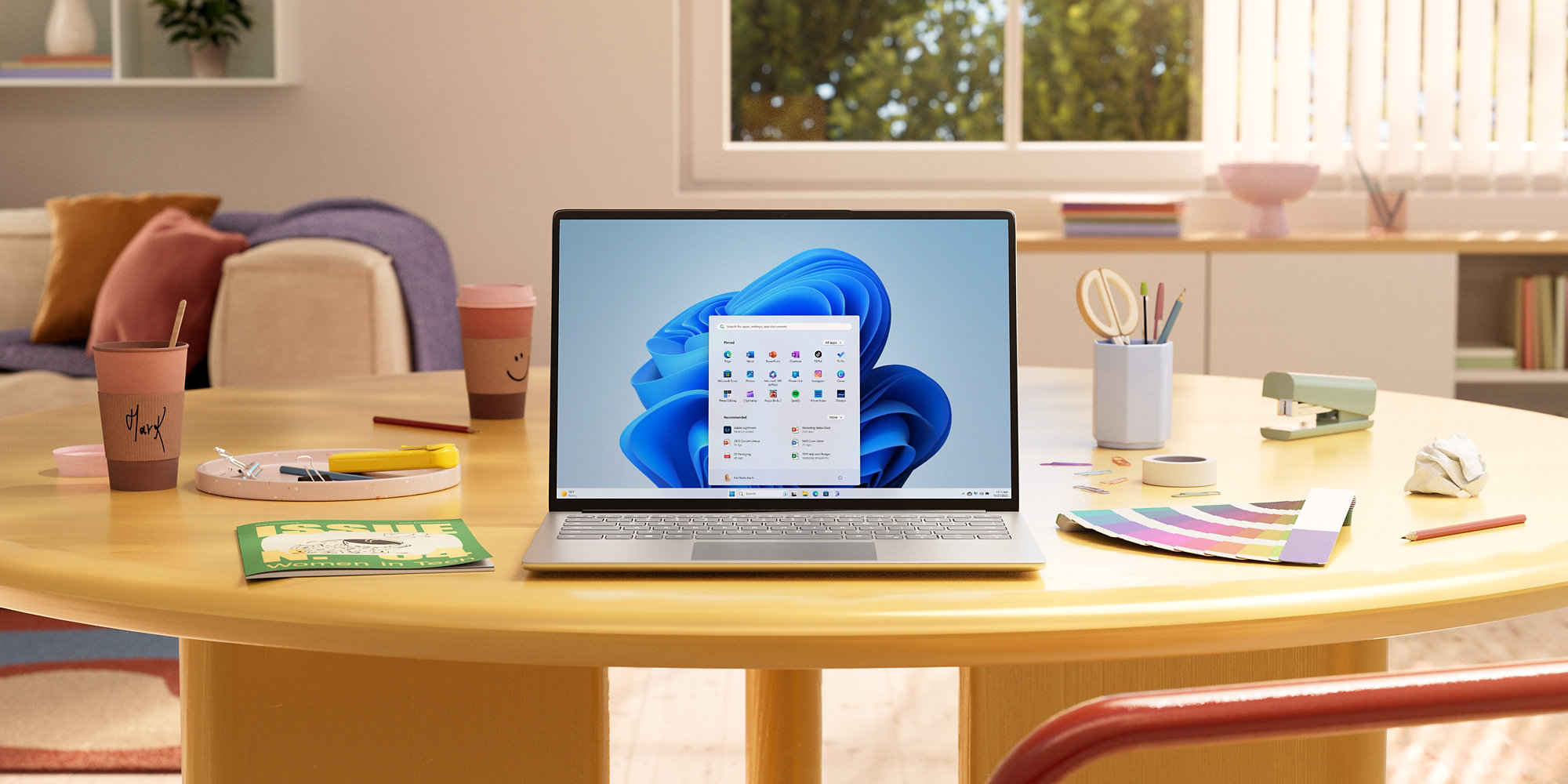 <!-- .element: style="height:360px" --> Made by Microsoft -- First graphical version in 1985 Built to compete with Mac <!-- .element: class="fragment" --> -- Timeline - Windows 98 <!-- .element: class="fragment" --> - Windows XP <!-- .element: class="fragment" --> - Windows Vista <!-- .element: class="fragment" --> - Windows 7 <!-- .element: class="fragment" --> - Windows 8 & 8.1 <!-- .element: class="fragment" --> - Windows 10 <!-- .element: class="fragment" --> - Windows 11 <!-- .element: class="fragment" --> --  <!-- .element: style="height:450px" --> --  <!-- .element: style="height:450px" --> --  <!-- .element: style="height:450px" --> --  <!-- .element: style="height:450px" --> -- Files on Windows File system: **NTFS** <!-- .element: class="fragment" --> A path looks like `C:\Users\Rylan` <!-- .element: class="fragment" --> Programs end in `.exe` <!-- .element: class="fragment" --> NOTE: NTFS is New Technology File System. `C:` is the main disk. A backslash separates folders. -- ### macOS 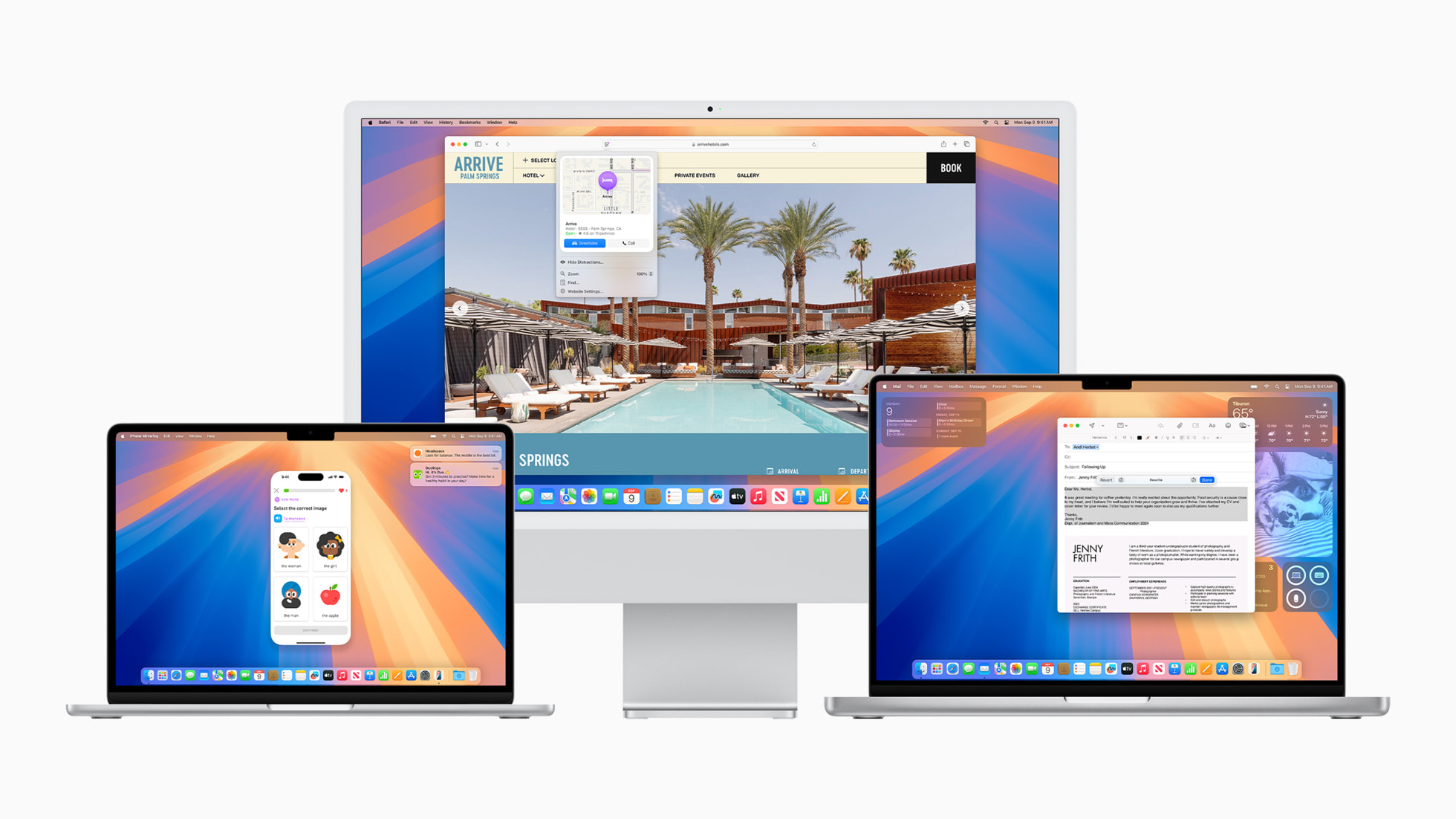 <!-- .element: style="height:360px" --> Made by Apple -- First version (Mac OS) in 1984 Built so you barely notice the operating system <!-- .element: class="fragment" --> NOTE: Classic Mac OS "deliberately sought to minimize the user's awareness of the operating system" (Wikipedia). Closed source, like Windows. --  <!-- .element: style="height:450px" --> -- Mac OS X (2001) was a rewrite built on Unix Built on Unix <!-- .element: class="fragment" --> NOTE: The X is the Roman numeral 10. Today's names are places in California: Ventura, Sonoma, Sequoia. The terminal and file paths look a lot like Linux. A Windows `.exe` does not run here. --  <!-- .element: style="height:450px" --> -- In 2016 the name was changed from **OS X** to **macOS** --  <!-- .element: style="height:450px" --> -- Files on macOS File system: **APFS** <!-- .element: class="fragment" --> A path looks like `/Users/Rylan` <!-- .element: class="fragment" --> Officially runs only on Apple computers <!-- .element: class="fragment" --> NOTE: APFS is Apple File System. Forward slashes, and no drive letter. -- ### Linux  <!-- .element: style="height:360px" --> A family of open-source operating systems NOTES: Distributions (distros): Ubuntu, Mint, Debian, Fedora, Arch. Android and ChromeOS use the Linux kernel. -- Most of the internet runs on Linux Unlike Windows and macOS, it's free! <!-- .element: class="fragment" --> Used on a lot for servers <!-- .element: class="fragment" --> Used by hackers <!-- .element: class="fragment" --> -- Phones **Android** — Linux, plus Google's software <!-- .element: class="fragment" --> **iOS** — Apple's phone OS, related to macOS <!-- .element: class="fragment" --> --- ## Midterm Review <svg xmlns="http://www.w3.org/2000/svg" viewBox="0 0 24 24" style="width:100px;fill:currentColor"><path d="M9,4H15V12H19.84L12,19.84L4.16,12H9V4Z" /></svg> -- 30 questions ~5 general CS <!-- .element: class="fragment" --> ~25 Python <!-- .element: class="fragment" --> -- Only covers weeks 1-7 of class -- First hour of class Bring something to do when you finish! <!-- .element: class="fragment" --> -- Let's see what you know! ---  <!-- .element: style="height:400px" -->